Pinterest is one of the largest visual search engines in the world. Unlike traditional social media platforms, Pinterest content can continue generating traffic for months or even years. If you want more clicks, impressions and website visitors, learning Pinterest Image SEO is essential. This guide covers the best Pinterest Image SEO tips for beginners.
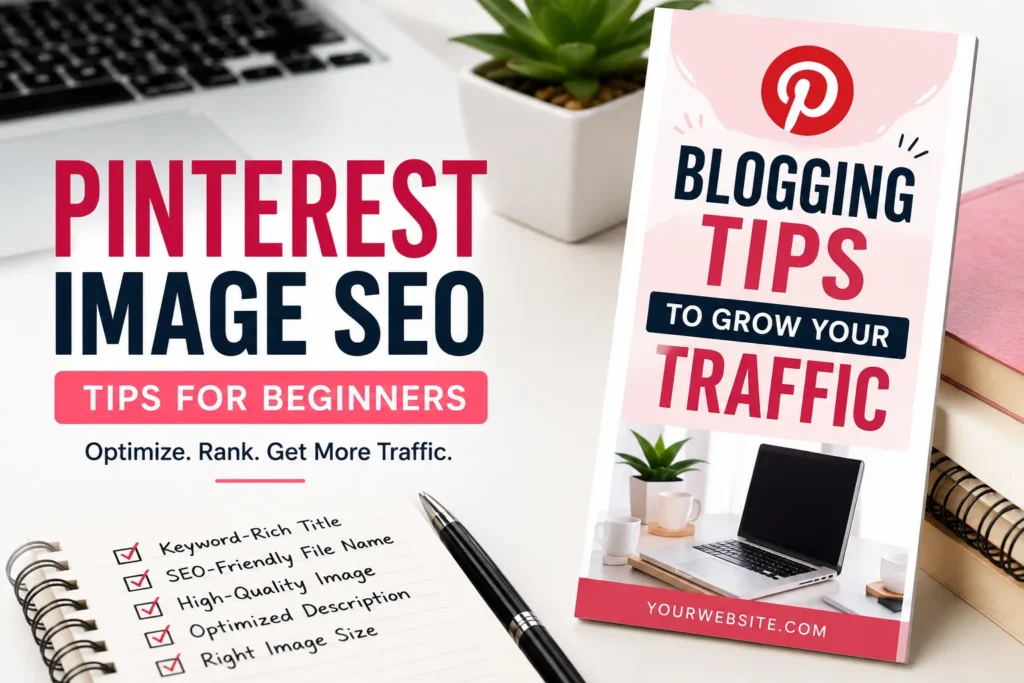
What Is Pinterest Image SEO?
Pinterest Image SEO is the process of optimizing images so they can rank higher in Pinterest search results and reach more users.
Optimized Pinterest images help:
- Increase visibility
- Drive website traffic
- Get more saves and shares
- Improve long-term content reach
- Grow blog and business audiences
Why Pinterest SEO Matters
Many beginners treat Pinterest like a social media platform, but Pinterest works more like Google Images.
Users actively search for:
- Recipes
- Blogging tips
- SEO guides
- Home decor ideas
- Fitness plans
- Business strategies
If your images are optimized correctly, Pinterest can become a major source of free traffic.
Use the Right Image Size
Pinterest prefers vertical images.
Recommended Size:
1000 × 1500 pixels
Aspect Ratio: 2:3
Vertical pins usually perform better than square or horizontal images.
Create High-Quality Images
Blurry images rarely perform well.
Use:
- Clear visuals
- Readable text
- Good contrast
- Professional design
Strong visuals increase engagement and click-through rates.
Use SEO-Friendly File Names
Before uploading images, rename them properly.
Bad Example:
IMG_5568.jpg
photo123.png
Good Example:
pinterest-image-seo-tips.jpg
blogging-traffic-strategy.webp
Descriptive file names help search engines understand image topics.
Add Keywords to Pin Titles
Your pin title should contain the main keyword naturally.
Example:
Pinterest Image SEO Tips for Beginners
Avoid keyword stuffing.
Write Keyword-Rich Descriptions
Pinterest uses descriptions to understand content.
Good descriptions should:
- Include primary keywords
- Remain natural and readable
- Explain the image clearly
- Encourage clicks
Use Relevant Keywords
Research keywords before creating pins.
Popular Pinterest keyword areas include:
- Blogging
- SEO
- Marketing
- Recipes
- Travel
- DIY
Use Pinterest search suggestions to discover keyword ideas.
Optimize Image Text Overlay
Many successful pins include text directly on the image.
Examples:
- SEO Tips for Beginners
- Blogging Mistakes to Avoid
- How to Grow Pinterest Traffic
Keep text short and easy to read.
Use Consistent Branding
Professional Pinterest creators often include:
- Logo
- Brand colors
- Consistent design style
This improves recognition and trust.
Optimize Your Website Images
If you’re driving traffic to a blog, optimize images on your website too.
Best practices include:
- Descriptive file names
- Alt text
- WEBP format
- Image compression
Better website SEO supports Pinterest performance.
Use Multiple Pins for One Article
Many successful bloggers create several pin designs for the same article.
Benefits include:
- More keyword opportunities
- More visibility
- Better engagement
- Higher click potential
Track Performance
Monitor:
- Impressions
- Saves
- Outbound clicks
- Top-performing pins
Use this data to improve future content.
Common Pinterest SEO Mistakes
- Using low-quality images
- Ignoring keywords
- Uploading horizontal images
- Using random file names
- Writing poor descriptions
- Ignoring branding
Best Pinterest SEO Checklist
- Use 1000 × 1500 images
- Create vertical pins
- Rename image files properly
- Add keyword-rich titles
- Write optimized descriptions
- Use readable text overlays
- Compress images before upload
- Track Pinterest analytics
FAQ
What is the best Pinterest image size?
1000 × 1500 pixels with a 2:3 aspect ratio.
Do image file names matter for Pinterest SEO?
Yes. Descriptive file names help search engines understand image content.
Should Pinterest pins contain text?
Yes. Clear text overlays often improve engagement and click-through rates.
How many pins should I create for one article?
Many successful bloggers create multiple pin designs for each article.
Conclusion
Pinterest Image SEO is one of the easiest ways to generate long-term traffic from visual search. By using proper image sizes, keyword optimization, descriptive file names and attractive designs, beginners can significantly increase Pinterest visibility and drive more visitors to their websites.