PDF files are among the most commonly used document formats for business, education, research, and personal record keeping. However, as the number of PDF documents grows, finding the right file can become frustrating and time-consuming. Learning how to organize PDF files efficiently can save hours of searching, improve productivity, and keep your digital workspace clutter-free.
In this guide, you’ll discover practical strategies for organizing PDF documents, creating a logical folder structure, and maintaining a streamlined document management system.
Why PDF Organization Matters
Many people save PDF files with default names and store them in random folders. Over time, this creates digital chaos that makes important documents difficult to locate.
Benefits of organizing PDF files include:
- Faster document retrieval
- Improved productivity
- Better collaboration with team members
- Reduced risk of losing important files
- Easier backup and document management
A structured PDF filing system ensures that every document is accessible when you need it.
Create a Clear Folder Structure
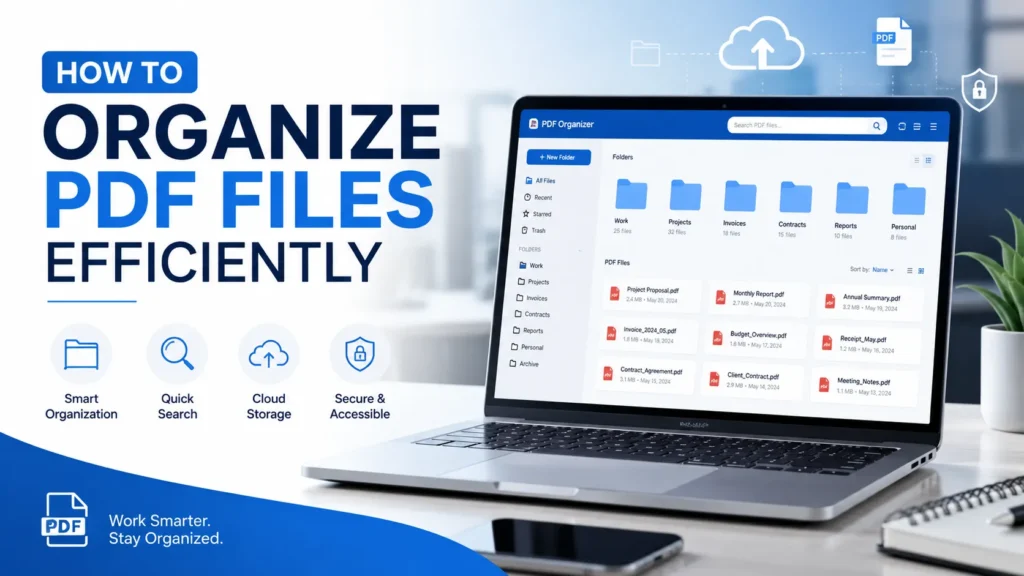
The foundation of efficient PDF organization is a logical folder structure.
Instead of storing all files in one location, divide them into categories based on purpose.
Example Folder Structure
- Work
- Reports
- Contracts
- Invoices
- Personal
- Taxes
- Medical Records
- Insurance Documents
- Education
- Courses
- Research Papers
- Certifications
This approach makes navigation simpler and reduces the time spent searching for documents.
Use Consistent PDF Naming Conventions
A proper naming system is essential for efficient document management.
Avoid generic filenames such as:
- document.pdf
- file1.pdf
- scan001.pdf
Instead, use descriptive filenames that provide context.
Recommended PDF Naming Format
YYYY-MM-DD_Document-Type_Description.pdf
Examples:
- 2026-06-09_Invoice_ClientABC.pdf
- 2026-06-09_ProjectReport_Q2.pdf
- 2026-06-09_ResearchPaper_Cybersecurity.pdf
This naming convention improves searchability and keeps files sorted chronologically.
Organize PDFs by Date
For documents that change frequently, organizing by date can be extremely effective.
Common examples include:
- Financial records
- Reports
- Meeting notes
- Client documentation
Using the YYYY-MM-DD format ensures files appear in chronological order automatically.
Add Relevant Keywords
Including keywords in filenames helps locate documents quickly using your operating system’s search feature.
For example:
Instead of:
- Report.pdf
Use:
- 2026_Marketing_Report_SEO_Strategy.pdf
Descriptive keywords make searching significantly faster.
Use PDF Tags and Metadata
Many PDF management tools allow you to add metadata such as:
- Author
- Subject
- Keywords
- Category
Metadata improves document search and organization, especially when managing hundreds or thousands of files.
Remove Duplicate PDF Files
Duplicate files consume storage space and create confusion.
Regularly review your folders and remove:
- Duplicate downloads
- Outdated versions
- Unnecessary copies
Maintaining a clean document library improves efficiency and reduces clutter.
Use Cloud Storage for Better Organization
Cloud storage services make PDF management easier by providing:
- Automatic backups
- File synchronization
- Easy sharing
- Advanced search capabilities
Popular options include:
- Google Drive
- Dropbox
- OneDrive
- iCloud Drive
Cloud-based organization ensures documents remain accessible across multiple devices.
Create an Archive Folder
Not all documents need to remain in active folders.
Move older files into archive folders such as:
- Archive 2024
- Archive 2025
- Completed Projects
- Old Contracts
This keeps current folders clean while preserving important records.
Use PDF Management Software
If you handle a large number of PDF files, dedicated software can simplify organization.
Useful features include:
- Batch renaming
- Document tagging
- OCR text recognition
- Smart search
- Automated sorting
These tools can dramatically improve document management workflows.
Perform Regular Maintenance
Even the best filing system requires occasional maintenance.
Schedule monthly reviews to:
- Delete unnecessary files
- Rename poorly labeled documents
- Move completed projects to archives
- Update folder structures
Regular maintenance prevents your system from becoming disorganized over time.
Best Practices for PDF Organization
Follow these proven habits:
- Use descriptive filenames
- Maintain consistent naming conventions
- Create logical folder structures
- Archive old documents regularly
- Back up files frequently
- Avoid storing everything in one folder
- Use cloud storage for accessibility
Small organizational habits can save significant time in the long run.
Conclusion
Knowing how to organize PDF files efficiently is essential for maintaining a productive digital workspace. By creating a structured folder hierarchy, using consistent naming conventions, organizing files by date, and leveraging cloud storage and PDF management tools, you can quickly locate documents and reduce digital clutter.
Implement these strategies today, and you’ll spend less time searching for files and more time focusing on important work.