Managing a successful blog involves much more than writing articles. Every blog relies on dozens or even hundreds of digital assets, including images, videos, graphics, templates, documents, and promotional materials. Without a proper system, finding the right file becomes difficult, content creation slows down, and valuable resources may get lost.
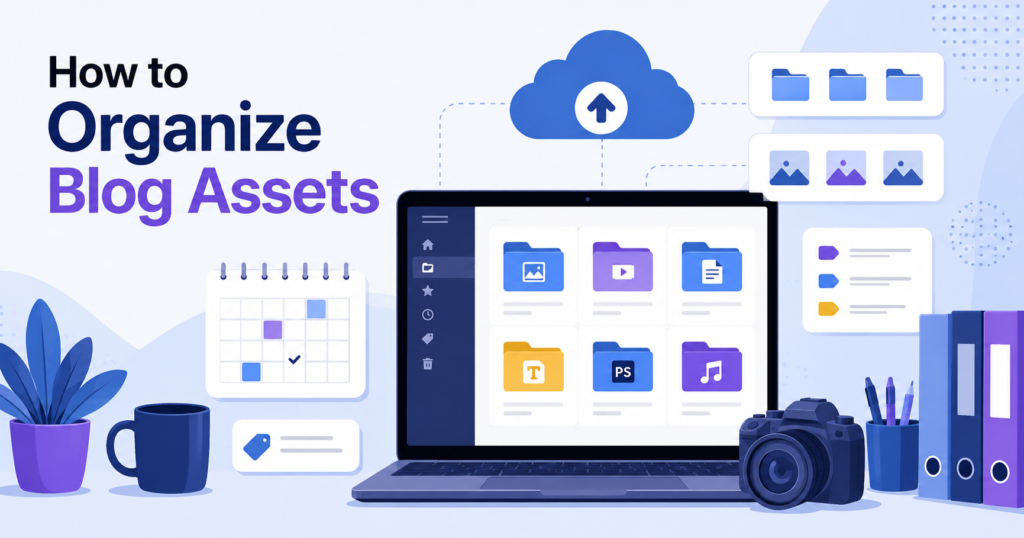
Learning how to organize blog assets helps bloggers, businesses, and content creators save time, improve collaboration, and maintain a consistent brand identity. This guide explains everything you need to know about organizing blog assets efficiently.
Table of Contents
- What Are Blog Assets?
- Why Organizing Blog Assets Matters
- Types of Blog Assets
- Create a Logical Folder Structure
- Use Consistent File Naming
- Store Assets in Cloud Storage
- Organize Images Properly
- Keep Brand Assets Together
- Manage Content Templates
- Track Content with a Spreadsheet or CMS
- Archive Old Assets
- Back Up Your Blog Assets
- Best Tools for Organizing Blog Assets
- Common Mistakes to Avoid
- Frequently Asked Questions
- Conclusion
What Are Blog Assets?
Blog assets are all the digital files and resources used to create, publish, and promote blog content. These include:
- Featured images
- Blog graphics
- Logos
- Videos
- PDFs
- Content briefs
- Keyword research files
- Social media graphics
- Email templates
- Infographics
- Screenshots
- Checklists
Keeping these assets organized ensures you can quickly locate and reuse them whenever needed.
Why Organizing Blog Assets Matters
A well-organized asset management system offers several benefits:
- Saves valuable time
- Improves workflow efficiency
- Reduces duplicate files
- Makes team collaboration easier
- Protects important content
- Maintains consistent branding
- Simplifies content updates
- Improves productivity
Whether you manage ten blog posts or thousands, organization becomes increasingly important as your website grows.
Types of Blog Assets
Understanding different asset categories helps create a better filing system.
Images
- Featured images
- Blog illustrations
- Stock photos
- Screenshots
- Icons
Videos
- Tutorials
- Product demonstrations
- Social media clips
- YouTube thumbnails
Documents
- Content outlines
- Research documents
- Editorial calendar
- Guest post guidelines
Marketing Assets
- Email banners
- Pinterest graphics
- Facebook posts
- Instagram visuals
- Promotional graphics
Branding Assets
- Logos
- Fonts
- Brand colors
- Brand guidelines
Create a Logical Folder Structure
One of the easiest ways to organize blog assets is by creating a clear folder hierarchy.
Example:
Blog Assets
│
├── Images
│   ├── Featured Images
│   ├── Screenshots
│   ├── Infographics
│
├── Videos
│
├── Templates
│
├── Social Media
│
├── Branding
│
├── PDFs
│
└── Archived Assets
Avoid placing everything inside one large folder. A structured hierarchy makes files easier to locate.
Use Consistent File Naming
Random file names like:
- IMG_2399.jpg
- Screenshot12.png
can quickly become confusing.
Instead, use descriptive names such as:
- how-to-organize-blog-assets-featured-image.jpg
- content-calendar-template.xlsx
- seo-checklist-2026.pdf
Good file naming improves searchability and prevents duplicate files.
Store Assets in Cloud Storage
Cloud storage protects files and allows access from multiple devices.
Popular options include:
- Google Drive
- Dropbox
- Microsoft OneDrive
- iCloud Drive
Cloud storage also makes collaboration easier for content teams.
Organize Images Properly
Images often make up the largest collection of blog assets.
Separate them into categories such as:
- Featured Images
- Product Images
- Blog Graphics
- Screenshots
- Icons
- Infographics
Also consider storing optimized web versions separately from high-resolution originals.
Keep Brand Assets Together
Store all branding materials in one location, including:
- Logos
- Color palettes
- Fonts
- Style guides
- Brand templates
This ensures consistency across every blog post and marketing campaign.
Manage Content Templates
Templates reduce repetitive work.
Examples include:
- Blog outline template
- SEO checklist
- Content brief
- Email outreach template
- Affiliate disclosure
- Author bio
Keep these in a dedicated “Templates” folder for quick access.
Track Content with a Spreadsheet or CMS
Besides organizing files, track your content using a spreadsheet or project management tool.
Useful columns include:
- Blog title
- Target keyword
- Publish date
- Status
- Author
- Featured image
- Internal links
- External links
- Last updated
This makes managing dozens or hundreds of blog posts much easier.
Archive Old Assets
Instead of deleting outdated files, archive them.
Archived assets may include:
- Old logos
- Previous campaigns
- Outdated screenshots
- Retired graphics
- Older versions of templates
Keeping archives prevents accidental loss while reducing clutter.
Back Up Your Blog Assets
Never rely on a single storage location.
Follow the 3-2-1 backup rule:
- Three copies of your files
- Two different storage types
- One off-site or cloud backup
Regular backups protect against hardware failure, accidental deletion, and cyberattacks.
Best Tools for Organizing Blog Assets
Several tools can simplify blog asset management.
Google Drive
Ideal for cloud storage and team collaboration.
Dropbox
Excellent for syncing files across devices.
Notion
Useful for managing editorial calendars and linking related assets.
Trello
Great for tracking content production workflows.
Airtable
Combines spreadsheets with database functionality for advanced content management.
Common Mistakes to Avoid
Avoid these common organizational errors:
- Using inconsistent file names
- Keeping duplicate files
- Mixing personal and business assets
- Forgetting regular backups
- Storing everything in one folder
- Ignoring version control
- Not archiving outdated assets
A little planning today prevents major confusion later.
Frequently Asked Questions
What are blog assets?
Blog assets include all digital resources used for creating, publishing, and promoting blog content, such as images, videos, templates, documents, and branding materials.
Why is organizing blog assets important?
Organized assets improve productivity, reduce wasted time, simplify collaboration, and help maintain a consistent brand identity.
What is the best way to organize blog assets?
Create a logical folder structure, use descriptive file names, store files in cloud storage, back up regularly, and archive outdated materials.
Which tools are best for organizing blog assets?
Popular options include Google Drive, Dropbox, Notion, Airtable, Trello, and OneDrive.
Conclusion
Organizing blog assets is an essential part of maintaining an efficient content workflow. A structured folder system, clear file naming conventions, reliable cloud storage, and regular backups make it much easier to manage your growing collection of digital resources. By implementing these best practices, you’ll spend less time searching for files and more time creating high-quality content that engages your audience and supports your blogging goals.