Google Images is one of the largest search engines in the world, driving millions of visits to websites every day. If your images are properly optimized, they can appear in Google Image Search, Google Discover, featured snippets, and even regular search results. Ranking in Google Images can increase organic traffic, improve brand visibility, and generate qualified leads.
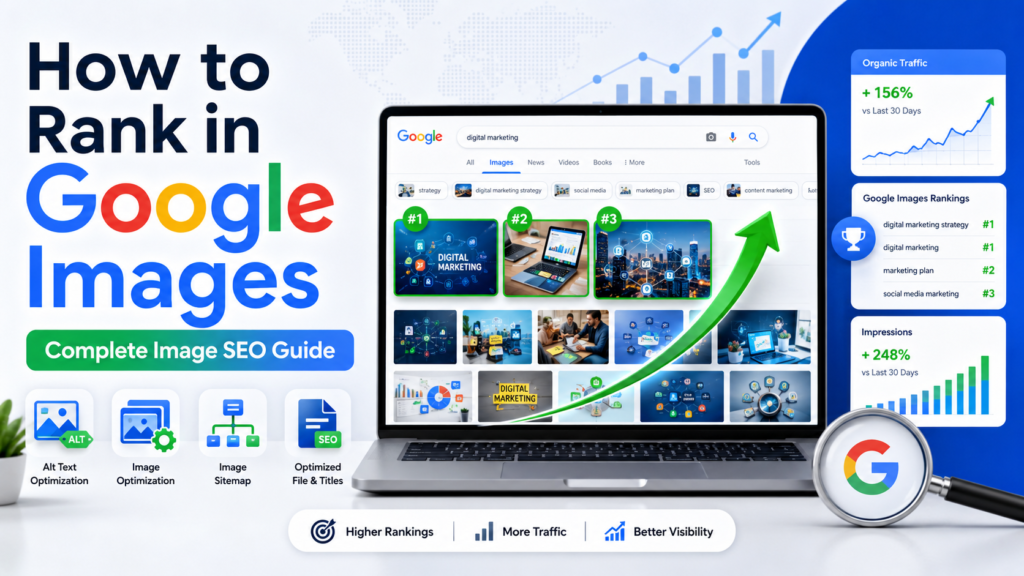
In this guide, you’ll learn exactly how to rank in Google Images using proven SEO strategies that align with Google’s best practices.
Why Google Images Matters for SEO
Many website owners focus only on traditional search rankings and ignore image SEO. However, image search can become a significant source of organic traffic, especially for industries such as:
- E-commerce
- Travel
- Food and recipes
- Fashion
- Photography
- Home improvement
- Education
- Technology
Optimizing images correctly helps search engines understand your content and improves your chances of appearing in image-related search results.
How Google Images Works
Google uses advanced algorithms to analyze:
- Image file names
- Alt text
- Surrounding content
- Page relevance
- Structured data
- User experience signals
- Image quality
The better Google understands your image and its context, the higher the chances of ranking for relevant search queries.
Use High-Quality Original Images
One of the most important ranking factors is image quality.
Google prefers:
- Original images
- High-resolution images
- Clear and sharp visuals
- Images that add value to users
Avoid:
- Blurry images
- Generic stock photos used everywhere
- Pixelated graphics
- Duplicate images copied from other websites
Original visuals help your content stand out and improve engagement metrics.
Optimize Image File Names
Before uploading an image, rename the file using descriptive keywords.
Bad Example
IMG_12345.jpg
Good Example
how-to-rank-in-google-images.jpg
Use:
- Lowercase letters
- Hyphens between words
- Relevant keywords
Avoid keyword stuffing or excessively long file names.
Write SEO-Friendly Alt Text
Alt text helps search engines understand the content of an image.
Example of Good Alt Text
alt=”SEO expert optimizing images to rank in Google Images”
Best practices:
- Describe the image accurately
- Include primary keywords naturally
- Keep it concise
- Focus on user accessibility
Avoid stuffing multiple keywords into the alt attribute.
Compress Images for Faster Loading
Page speed is a confirmed ranking factor.
Large image files can slow down your website and hurt rankings.
Use image compression tools to reduce file size without sacrificing quality.
Recommended image formats:
- WebP
- JPEG for photographs
- PNG for transparent graphics
- SVG for logos and icons
A faster website improves both user experience and image SEO performance.
Choose the Right Image Format
Different image formats serve different purposes.
WebP
- Smaller file sizes
- Excellent quality
- Preferred for modern websites
JPEG
- Great for photos
- Smaller than PNG
PNG
- Supports transparency
- Ideal for graphics
SVG
- Best for logos and vector graphics
- Scalable without losing quality
Using the correct format improves loading speed and visual quality.
Place Images Near Relevant Content
Google analyzes the text surrounding an image.
To improve rankings:
- Place images close to related content
- Add descriptive captions
- Include keywords naturally in nearby text
- Ensure image context matches page intent
The stronger the topical relevance, the easier it is for Google to understand the image.
Create SEO-Friendly Image Captions
Captions are among the most frequently read elements on a webpage.
Example:
“Image showing the process of optimizing alt text for Google Images ranking.”
Benefits of captions:
- Improved user engagement
- Better contextual relevance
- Enhanced image understanding for search engines
Use Structured Data
Structured data helps Google understand the purpose of your images.
Consider implementing:
- Article Schema
- Product Schema
- Recipe Schema
- HowTo Schema
Structured data can improve visibility and increase the likelihood of enhanced search features.
Optimize Page SEO
Even perfectly optimized images struggle to rank if the page itself has poor SEO.
Ensure your page includes:
Keyword-Optimized Title Tag
Include your target keyword naturally.
Compelling Meta Description
Encourage users to click from search results.
Proper Heading Structure
Use:
- One H1
- Multiple H2s
- Supporting H3s
High-Quality Content
Provide comprehensive information around the image topic.
Google evaluates the entire page, not just the image.
Use Responsive Images
Responsive images improve user experience across devices.
Benefits include:
- Faster loading
- Better mobile usability
- Reduced bandwidth consumption
- Improved Core Web Vitals
Since Google primarily uses mobile-first indexing, responsive design is essential.
Enable Image Indexing
Make sure Google can crawl and index your images.
Check Robots.txt
Do not block image directories.
Use Crawlable URLs
Images should be accessible without restrictions.
Submit an XML Sitemap
Include image URLs in your sitemap to help Google discover content faster.
Create an Image Sitemap
An image sitemap provides additional information about your images.
Benefits:
- Faster discovery
- Better indexing
- Increased visibility
Image sitemaps are especially useful for large websites with thousands of images.
Optimize for Mobile Users
Most image searches happen on mobile devices.
To improve mobile image SEO:
- Use responsive layouts
- Compress files
- Avoid intrusive popups
- Improve page speed
- Ensure images display correctly on all screen sizes
A mobile-friendly experience supports better rankings.
Improve Page Authority
Images often rank better when they are hosted on authoritative pages.
Ways to increase page authority:
- Build quality backlinks
- Publish valuable content
- Improve internal linking
- Earn mentions from trusted websites
Authority strengthens both page and image rankings.
Use Relevant Keywords Naturally
Keyword optimization remains important.
Include your target keyword in:
- File names
- Alt text
- Captions
- Headings
- Body content
- Image titles when relevant
Use keywords naturally and avoid over-optimization.
Leverage Content Clusters
Create supporting content around related topics.
Example cluster:
- How to Rank in Google Images
- Image SEO Checklist
- Best Image Formats for SEO
- Alt Text Best Practices
- Image Sitemap Guide
Content clusters help establish topical authority and improve overall rankings.
Monitor Performance with Google Search Console
Track image search performance using Google Search Console.
Monitor:
- Impressions
- Clicks
- CTR
- Indexed images
- Ranking queries
Regular analysis helps identify optimization opportunities.
Common Mistakes That Prevent Image Rankings
Avoid these common image SEO mistakes:
- Using generic file names
- Missing alt text
- Slow-loading images
- Keyword stuffing
- Low-quality visuals
- Blocking image crawling
- Using oversized files
- Ignoring mobile optimization
Fixing these issues can significantly improve image visibility.
Advanced Tips to Rank Faster in Google Images
For competitive keywords:
- Use unique images
- Add image schema markup
- Publish original graphics
- Improve page authority
- Earn backlinks to image-rich content
- Optimize Core Web Vitals
- Update old content regularly
These advanced techniques can provide a competitive advantage.
Conclusion
Learning how to rank in Google Images requires more than simply uploading pictures to your website. Success comes from combining high-quality visuals, keyword optimization, technical SEO, structured data, fast loading speeds, and strong page authority.
By optimizing image file names, alt text, captions, image formats, page content, and indexing signals, you can significantly increase your chances of appearing in Google Image Search and attracting valuable organic traffic. Consistently applying these image SEO best practices will help your website gain greater visibility, more clicks, and stronger search engine performance over time.