Images are one of the most important elements of a successful blog. They make content visually appealing, improve user engagement, and help explain complex topics. However, uploading large or unoptimized images can slow down your website, hurt your search engine rankings, and create a poor user experience.
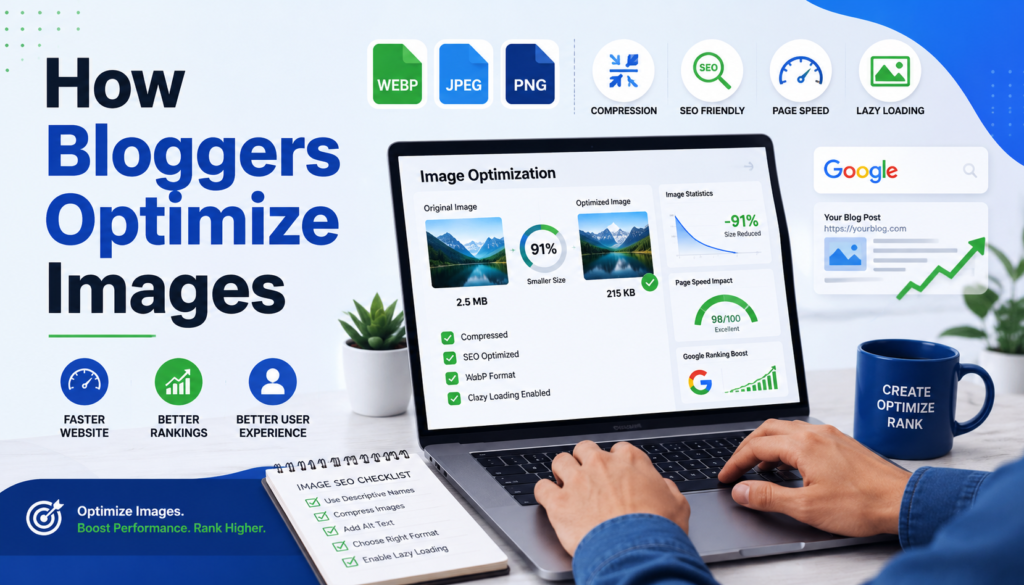
Image optimization is the process of reducing image file size, choosing the right format, adding SEO-friendly information, and ensuring images load quickly without sacrificing quality. In this guide, you’ll learn how professional bloggers optimize images to improve website performance and rank higher in search engines.
Why Image Optimization Matters
Optimizing images benefits both your visitors and your website’s SEO. Search engines consider page speed, user experience, and accessibility when ranking websites.
Some major benefits include:
- Faster page loading times
- Better user experience
- Improved Core Web Vitals
- Higher search engine rankings
- Lower bandwidth usage
- Increased chances of appearing in Google Image Search
- Better accessibility for visually impaired users
A fast-loading website keeps visitors engaged and reduces bounce rates, which can indirectly improve SEO performance.
Choose the Right Image Format
Selecting the correct image format is the first step toward optimization.
JPEG (JPG)
JPEG is ideal for photographs and colorful images. It offers excellent compression while maintaining good visual quality.
Best for:
- Blog featured images
- Photography
- Product images
- Lifestyle photos
PNG
PNG supports transparent backgrounds and higher image quality but usually produces larger file sizes.
Best for:
- Logos
- Icons
- Graphics
- Screenshots
WebP
WebP provides excellent compression with high image quality. Most modern browsers support this format, making it one of the best choices for bloggers.
Benefits include:
- Smaller file sizes
- Faster loading
- Better performance
- Improved SEO
SVG
SVG is a vector format that scales without losing quality.
Best for:
- Logos
- Icons
- Infographics
- Simple illustrations
Resize Images Before Uploading
Many beginners upload images directly from their smartphones or cameras. These images are often several thousand pixels wide and much larger than necessary.
Instead of uploading a 5000-pixel-wide image, resize it according to your blog layout.
Recommended image widths:
| Image Type | Recommended Width |
|---|---|
| Featured Image | 1200–1600 px |
| Blog Content Image | 800–1200 px |
| Thumbnail | 300–600 px |
| Logo | As required |
Smaller dimensions reduce file size while maintaining visual quality.
Compress Images Without Losing Quality
Image compression significantly reduces file size while preserving image clarity.
There are two types of compression:
Lossy Compression
Removes unnecessary image data to create much smaller files. The quality loss is usually unnoticeable.
Ideal for:
- Blog images
- Featured images
- Photography
Lossless Compression
Keeps every image detail while reducing file size slightly.
Best for:
- Logos
- Graphics
- Technical screenshots
Aim to keep most blog images below 200 KB whenever possible.
Use Descriptive File Names
Search engines cannot understand filenames like:
- IMG_45892.jpg
- DSC00015.png
Instead, rename images before uploading.
Good examples:
- how-bloggers-optimize-images.webp
- image-seo-checklist.jpg
- website-speed-optimization.png
A descriptive filename helps search engines understand the image content.
Write SEO-Friendly Alt Text
Alt text describes an image for search engines and screen readers.
Good alt text:
“Blogger compressing images to improve website speed”
Poor alt text:
“image123”
Avoid keyword stuffing. Write naturally and accurately describe what appears in the image.
Benefits of optimized alt text include:
- Better accessibility
- Improved Image SEO
- Higher Google Images visibility
Optimize Image Titles and Captions
Image titles are less important than alt text but can provide additional context.
Captions are often one of the most-read parts of a webpage because users naturally pay attention to images.
Example:
Caption:
“Compressed WebP images help websites load significantly faster.”
Use captions only when they add value to the reader.
Use Responsive Images
Visitors browse blogs using desktops, tablets, and smartphones.
Responsive images automatically serve appropriately sized images based on the visitor’s device.
Benefits include:
- Faster mobile loading
- Lower bandwidth usage
- Better Core Web Vitals
- Improved user experience
Responsive images are essential for modern SEO.
Enable Lazy Loading
Lazy loading delays image loading until users scroll near them.
Instead of loading every image immediately, only visible images load first.
Advantages include:
- Faster initial page load
- Better PageSpeed Insights score
- Reduced server load
- Improved user experience
Most modern blogging platforms support lazy loading by default.
Use an Image CDN
A Content Delivery Network (CDN) stores images on multiple servers worldwide.
When someone visits your website, images are delivered from the closest server.
Benefits include:
- Faster global loading
- Lower hosting bandwidth
- Better scalability
- Improved website performance
Blogs with international audiences especially benefit from using a CDN.
Add Image Structured Data
Structured data helps search engines understand your images and may increase the chances of appearing in rich search results.
Include relevant schema markup where appropriate, especially for:
- Recipes
- Products
- Articles
- News
- Tutorials
Structured data enhances search visibility and can improve click-through rates.
Create an Image Sitemap
An image sitemap helps search engines discover images that may not be easily found through regular crawling.
It is particularly useful for:
- Large blogs
- Photography websites
- Portfolio websites
- E-commerce stores
Submitting an image sitemap can improve image indexing.
Optimize Featured Images
Featured images are often the largest images on a blog post.
Best practices include:
- Resize before uploading
- Compress the file
- Use WebP format
- Add descriptive filenames
- Include meaningful alt text
- Avoid unnecessary text overlays
Optimized featured images improve both SEO and page speed.
Avoid Common Image Optimization Mistakes
Many bloggers unknowingly hurt their SEO by making simple mistakes.
Common mistakes include:
- Uploading oversized images
- Ignoring image compression
- Using generic filenames
- Missing alt text
- Using the wrong file format
- Uploading blurry images
- Not enabling lazy loading
- Using images without proper licensing
- Adding excessive text inside images
Avoiding these mistakes helps maintain a fast and search-friendly website.
Best Practices for Image SEO
Follow these best practices consistently:
- Use WebP whenever possible
- Compress every image before uploading
- Resize images to match your layout
- Write descriptive filenames
- Add meaningful alt text
- Enable lazy loading
- Serve responsive images
- Use a CDN for faster delivery
- Keep image file sizes as small as possible without noticeable quality loss
- Test your website speed regularly
These practices contribute to better search rankings and a smoother user experience.
Frequently Asked Questions
Does image optimization improve SEO?
Yes. Optimized images improve page speed, user experience, accessibility, and image search visibility, all of which can support better SEO performance.
What is the best image format for blogs?
WebP is generally the best choice because it offers high-quality images with smaller file sizes. JPEG is also a good option for photographs, while PNG is suitable for graphics that require transparency.
How large should blog images be?
For most blogs, images between 800 and 1600 pixels wide work well. Try to keep the file size below 200 KB whenever possible.
Is alt text important for SEO?
Yes. Alt text helps search engines understand image content and improves accessibility for users who rely on screen readers.
Should every blog image be compressed?
Yes. Compressing images before uploading reduces file size and improves page speed without significantly affecting image quality.
Conclusion
Image optimization is a simple yet powerful strategy that every blogger should implement. By choosing the right image format, resizing and compressing files, writing descriptive alt text, enabling lazy loading, and serving responsive images, you can create a faster, more user-friendly website.
Consistently following these best practices not only improves your website’s performance but also increases your chances of ranking higher in search engine results. Whether you’re a beginner or an experienced blogger, optimizing every image before publishing should become a standard part of your content creation workflow.