In today’s fast-paced digital world, maintaining an organized workflow is crucial. One often overlooked yet critical aspect of digital organization is a proper screenshot naming system. Whether you’re a software developer, a project manager, or a cybersecurity professional, having a consistent, logical way to name screenshots saves time, reduces confusion, and improves team efficiency.
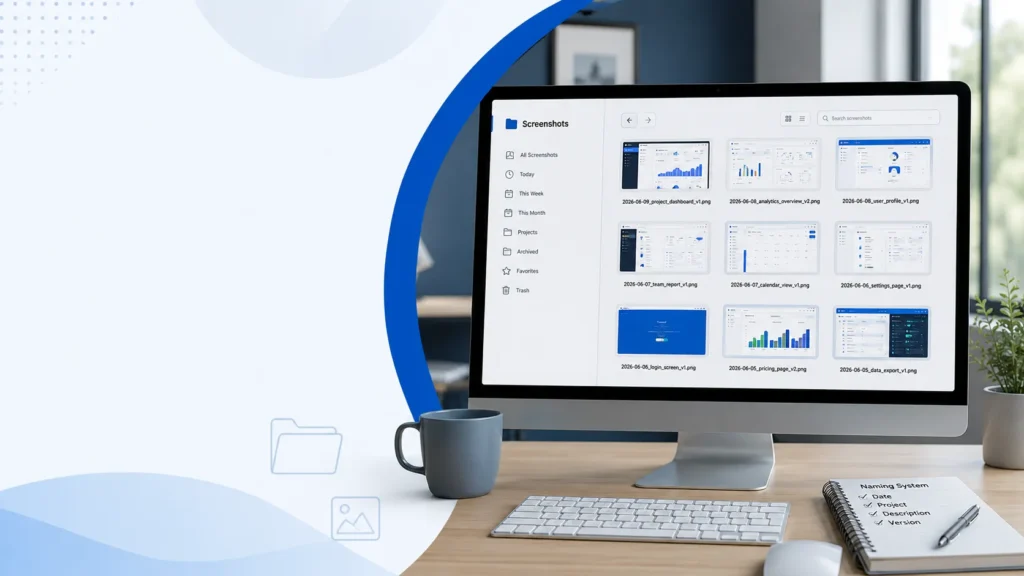
Why a Screenshot Naming System Matters
A chaotic folder of screenshots can slow you down and lead to costly mistakes. Imagine searching for an important screenshot from last month and wasting hours scrolling through files with vague names like image1.png or screenshot123.jpg. A structured screenshot naming system ensures that every file is instantly recognizable and easy to locate.
Key benefits include:
- Time Efficiency: Quickly locate files without guessing or opening them.
- Team Collaboration: Colleagues understand your naming conventions immediately.
- Professionalism: Organized files reflect meticulous work habits.
- Version Control: Easily track changes or updates across projects.
Elements of an Effective Screenshot Naming System
A strong naming system balances clarity, brevity, and consistency. Here’s what to include:
1. Date
Include the date in YYYY-MM-DD format at the start of the file name. This keeps screenshots in chronological order automatically.
Example: 2026-06-09_dashboard-update.png
2. Project or Client Name
Adding a project identifier ensures context. This is essential for teams working across multiple projects.
Example: 2026-06-09_projectApollo_dashboard.png
3. Description of Content
Be specific about what the screenshot shows. Avoid generic words like image or screen.
Example: 2026-06-09_projectApollo_user-login-error.png
4. Version Number (Optional)
For files that undergo multiple edits, adding a version number helps track changes.
Example: 2026-06-09_projectApollo_user-login-error_v2.png
5. Consistent Separators
Use underscores _ or hyphens - consistently. Avoid spaces as they can cause issues in scripts and URLs.
Common Mistakes to Avoid
Even a good system can fail if you’re careless. Watch out for these pitfalls:
- Random names like
screenshot1.pngorfinal.png. - Inconsistent formats, such as mixing dates
MM-DD-YYYYandYYYY-MM-DD. - Overly long names, which can be cumbersome and hard to read.
Tools to Automate Screenshot Naming
Manually renaming files is tedious. Use automation tools to enforce consistency:
- Snagit – Rename screenshots automatically based on templates.
- Lightshot – Allows quick annotation and naming.
- Custom Scripts – For tech-savvy users, scripts in Python or Bash can batch rename files in seconds.
Conclusion
A best screenshot naming system is more than a file-naming convention—it’s a productivity booster. Implementing a structured approach helps you save time, collaborate effectively, and maintain professional standards. Start today by defining a template that includes date, project name, description, and version, and stick to it. Your future self—and your team—will thank you.