Images play a crucial role in blog success. They improve user engagement, increase time on page, support SEO efforts, and make content easier to understand. However, using the wrong image dimensions can slow down your website, hurt rankings, and create a poor user experience.
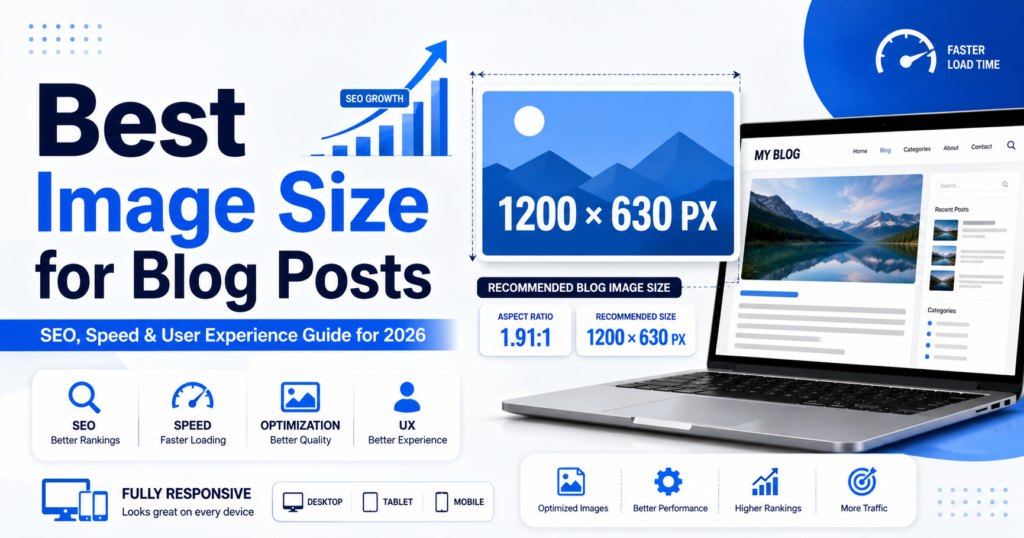
In this guide, you’ll learn the best image size for blog posts, recommended dimensions for different blogging platforms, image SEO best practices, and how to optimize images for faster loading speeds.
Why Image Size Matters for Blog Posts
Choosing the correct blog image size affects several important factors:
- Page loading speed
- User experience
- Mobile responsiveness
- Search engine rankings
- Core Web Vitals performance
- Social media sharing quality
Large images can slow down your website, while images that are too small may appear blurry and unprofessional.
Best Image Size for Blog Posts in 2026
The recommended image size for blog posts is:
1200 x 630 pixels
This size works well across:
- WordPress blogs
- Blogger websites
- Medium articles
- Business websites
- Social media sharing platforms
The 1200×630 dimension is widely considered the ideal blog image size because it provides excellent quality while maintaining reasonable file sizes.
Recommended Blog Image Dimensions
| Image Type | Recommended Size |
|---|---|
| Featured Image | 1200 x 630 px |
| Blog Content Images | 1200 x 800 px |
| Full-Width Images | 1920 x 1080 px |
| Thumbnail Images | 300 x 300 px |
| Pinterest Images | 1000 x 1500 px |
| Infographics | 800 x 2000 px |
| Hero Images | 1920 x 1080 px |
Best Featured Image Size for Blog Posts
The featured image is often the first visual visitors see.
Ideal Featured Image Dimensions
1200 x 630 pixels
Benefits include:
- Perfect for Facebook sharing
- Optimized for Google Discover
- Looks professional on desktop and mobile
- Compatible with most WordPress themes
Alternative Featured Image Sizes
- 1280 x 720 pixels
- 1200 x 675 pixels
- 1600 x 900 pixels
These dimensions maintain a clean 16:9 aspect ratio and work well across modern websites.
Best Image Size for WordPress Blog Posts
WordPress powers millions of websites, making image optimization especially important.
Recommended WordPress Blog Image Sizes
- Featured Image: 1200 x 630 px
- Content Image: 1200 x 800 px
- Header Image: 1920 x 1080 px
- Thumbnail: 300 x 300 px
WordPress automatically generates multiple image sizes, but uploading properly optimized images improves performance and storage efficiency.
Best File Size for Blog Images
Image dimensions and file size are different.
Recommended File Sizes
- Featured Images: Under 200 KB
- Blog Content Images: Under 150 KB
- Thumbnails: Under 50 KB
- Hero Images: Under 300 KB
Smaller file sizes help improve page speed and Core Web Vitals scores.
Best Image Formats for Blog Posts
Choosing the right image format is equally important.
JPEG (JPG)
Best for:
- Blog post images
- Photographs
- Featured images
Advantages:
- Small file size
- Fast loading
- Widely supported
PNG
Best for:
- Logos
- Graphics
- Transparent backgrounds
Advantages:
- Higher quality
- Supports transparency
WebP
Best for:
- Modern websites
- SEO optimization
- Faster page loading
Advantages:
- Smaller file size than JPEG
- Excellent image quality
- Google-recommended format
For most blogs, WebP is the best image format available today.
Image SEO Best Practices
Optimized images help search engines understand your content.
Use Descriptive File Names
Instead of:
image123.jpg
Use:
best-image-size-for-blog-posts.jpg
Add Alt Text
Good alt text example:
“Best image size for blog posts infographic showing 1200×630 pixel dimensions”
Alt text helps:
- Search engines understand images
- Improve accessibility
- Increase image search visibility
Compress Images Before Uploading
Use image compression tools to reduce file size without sacrificing quality.
Popular tools include:
- TinyPNG
- ShortPixel
- Imagify
- Squoosh
Use Responsive Images
Responsive images automatically adjust based on screen size.
Benefits:
- Better mobile experience
- Faster loading speeds
- Improved SEO performance
Best Image Size for Mobile-Friendly Blogs
More than half of website traffic comes from mobile devices.
To ensure mobile optimization:
- Use responsive images
- Keep image widths around 1200 pixels
- Compress images properly
- Avoid excessively large files
A 1200-pixel-wide image provides excellent quality across smartphones, tablets, and desktops.
Common Image Size Mistakes to Avoid
Uploading Huge Images
Many bloggers upload images directly from cameras that exceed 4000 pixels in width.
Problems include:
- Slow loading times
- Higher bandwidth usage
- Poor Core Web Vitals scores
Using Tiny Images
Small images often appear blurry on larger screens.
This can make your content look outdated and unprofessional.
Ignoring Compression
Even correctly sized images can become performance issues if they aren’t compressed.
Forgetting Alt Text
Missing alt text means losing valuable SEO opportunities.
Recommended Image Optimization Workflow
Follow this simple process:
- Create image at 1200 x 630 pixels.
- Compress image before uploading.
- Save in WebP format.
- Add keyword-rich file name.
- Write descriptive alt text.
- Test page speed after publishing.
This workflow helps maximize SEO and user experience.
Frequently Asked Questions
What is the best image size for blog posts?
The best image size for blog posts is 1200 x 630 pixels. It provides excellent quality, supports social media sharing, and works well on most blogging platforms.
What is the best image format for SEO?
WebP is generally the best image format for SEO because it offers high quality with smaller file sizes, improving page speed.
How large should a featured image be?
A featured image should ideally be 1200 x 630 pixels and under 200 KB in file size.
Does image size affect SEO?
Yes. Large, unoptimized images can slow down your website, negatively affecting rankings, user experience, and Core Web Vitals.
Should I use PNG or JPEG for blog images?
JPEG is better for photographs and most blog images, while PNG is best for graphics requiring transparency. WebP is often the superior choice for both performance and quality.
Conclusion
Choosing the best image size for blog posts is essential for SEO, page speed, and user experience. For most websites, a 1200 x 630 pixel image offers the perfect balance between quality and performance. Combine proper dimensions with image compression, descriptive alt text, and modern formats like WebP to maximize search engine visibility and improve website performance.
By following these image optimization best practices, you can create faster-loading blog posts, enhance user engagement, and improve your chances of ranking higher in Google search results.